If you saved your template and want to make changes in it, follow the below steps:
1. Go to the My Design tab from the home page.
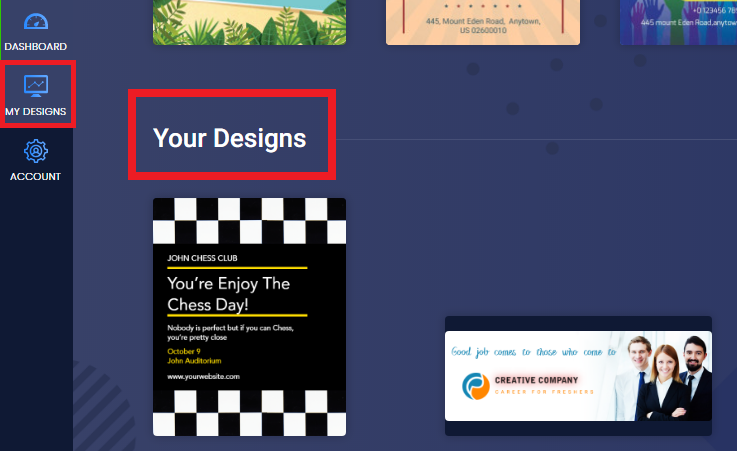
2. Hover the cursor over the design you'd like to re-edit and click on the EDIT button to Re-Edit the template.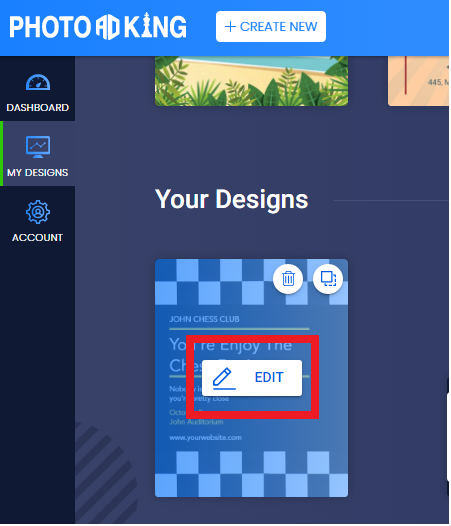
3. Edit the content you wish to add.
4. Click on Save to save the changes.
Was this article helpful?
That’s Great!
Thank you for your feedback
Sorry! We couldn't be helpful
Thank you for your feedback
Feedback sent
We appreciate your effort and will try to fix the article